
To learn how to configure BlastAccess for remote desktop targets, read the steps below.
-
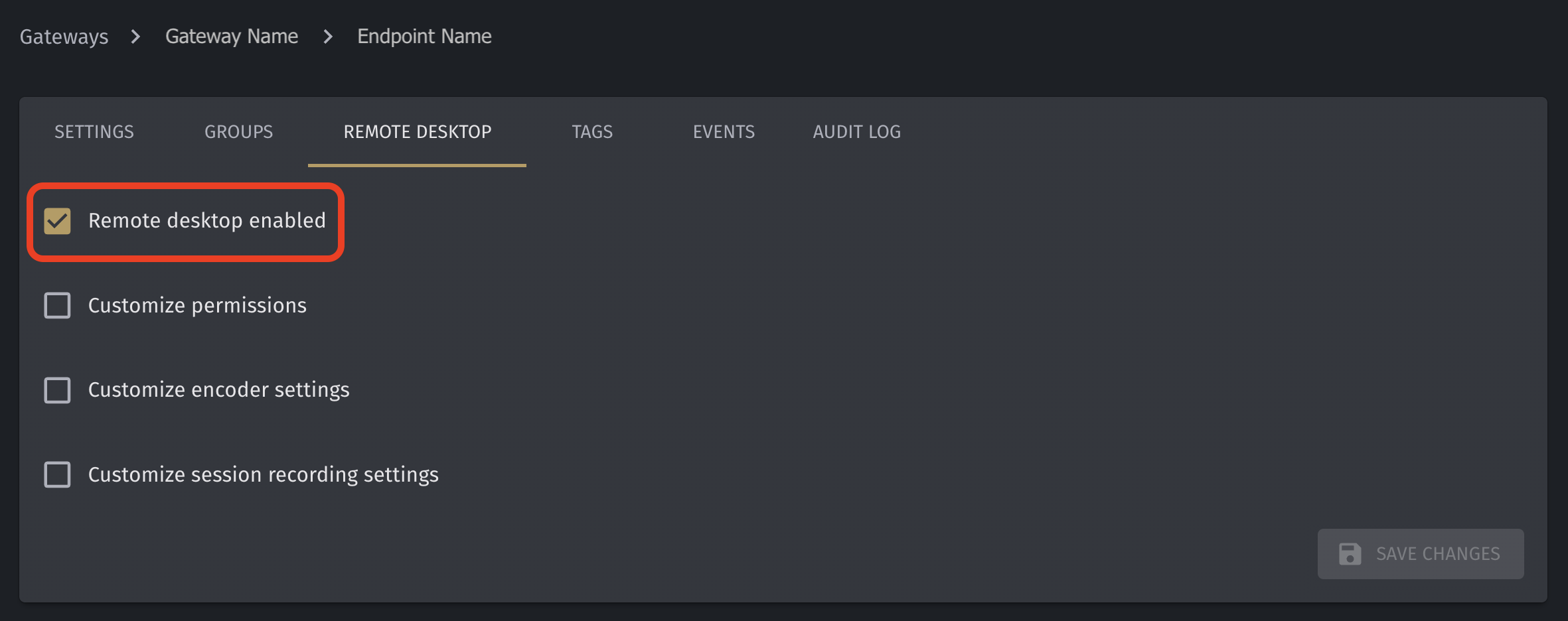
Enable the endpoint for Remote Desktop:
-
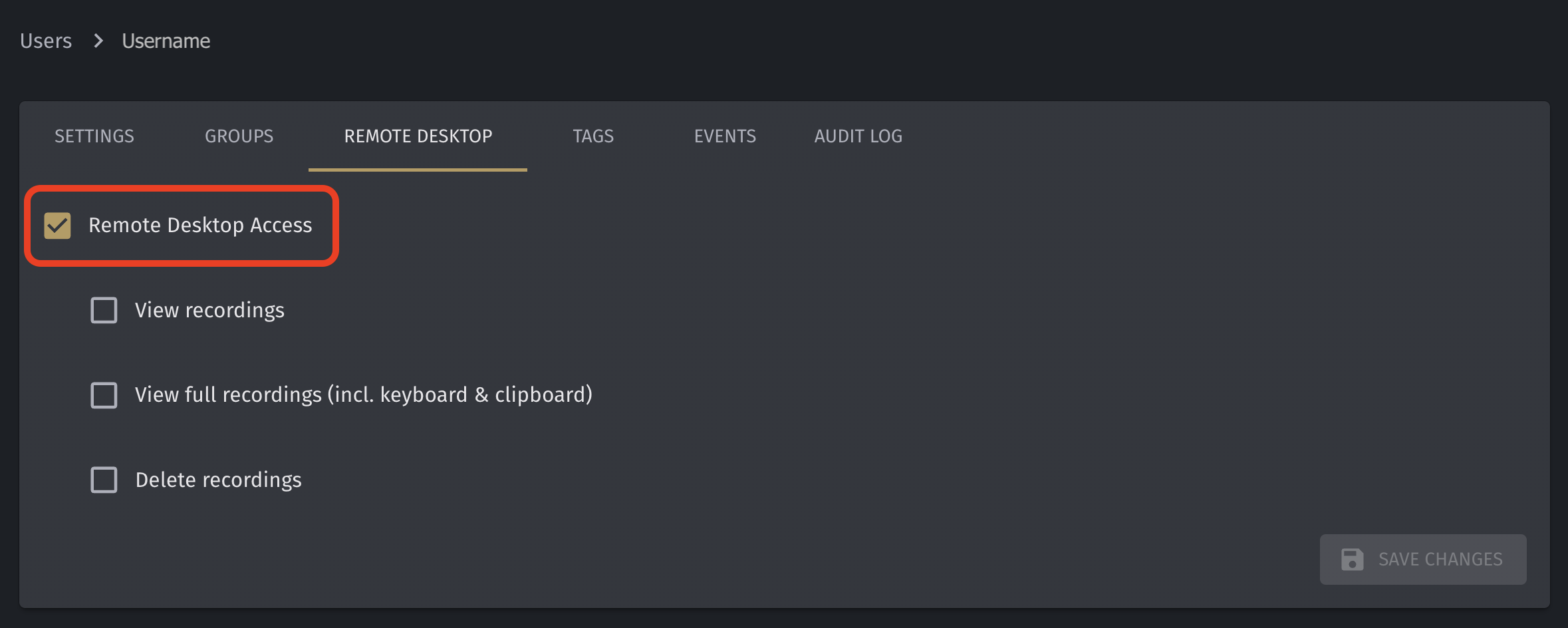
Allow the user access for Remote Desktop:
-
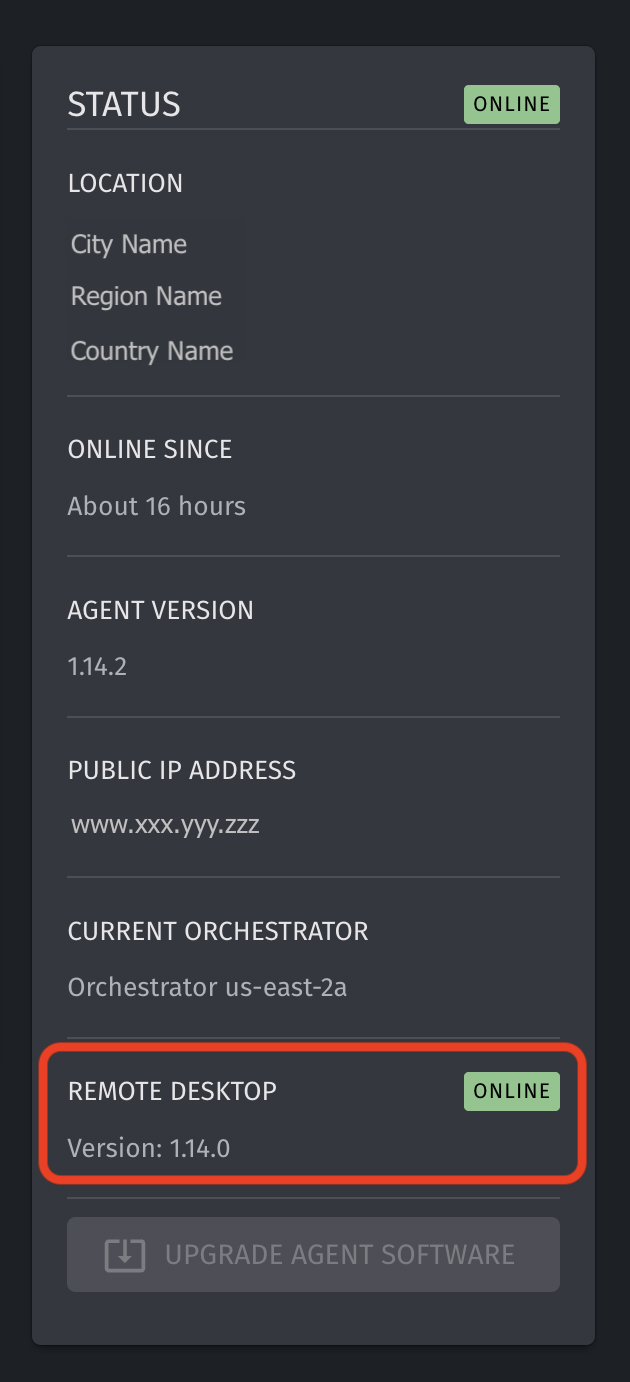
With the endpoint, run the small Remote Desktop service:
-
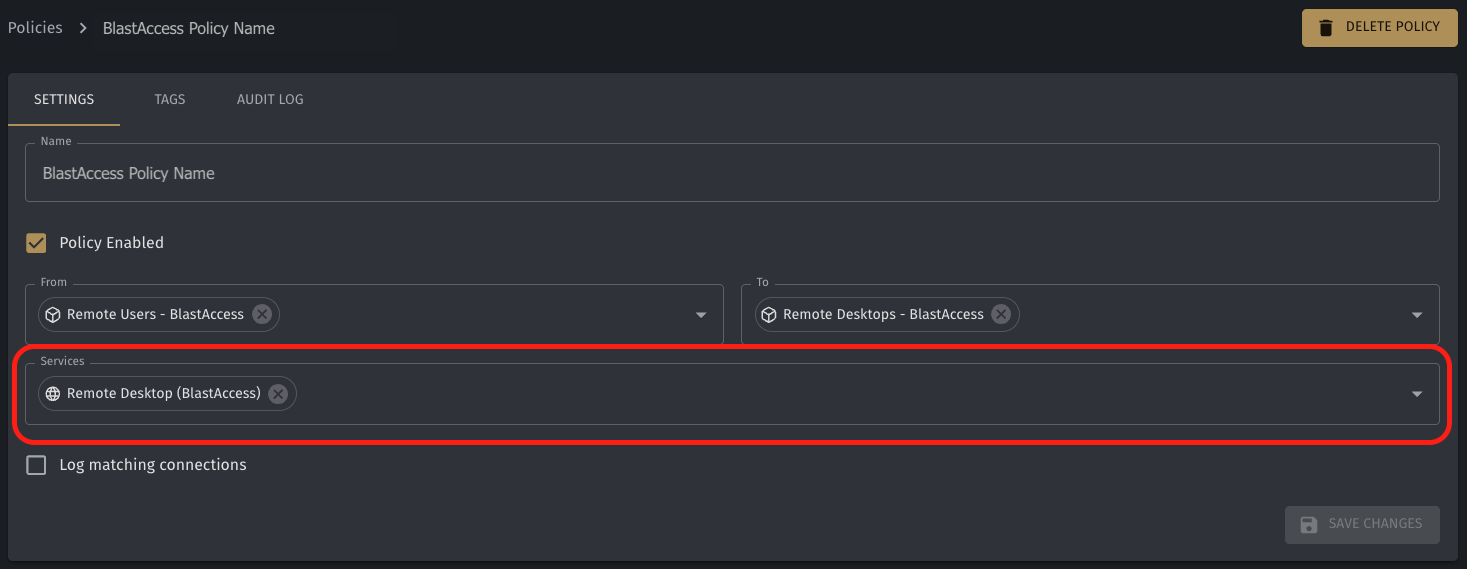
Create a policy to allow Remote Desktop. The policy must be created from a Remote Desktop User Group, to a Remote Desktop Targets Group, and over a built-in service for BlastAccess
The only currently supported targets for Remote Desktop is Windows.
Find the agent at: Downloads