
In BlastShield™, your authentication credentials are stored in the Secure Enclave of your mobile device. If a user changes or loses their mobile device, the user must have their authentication reset in the Orchestrator an a new invitation generated.
How to reset user authentication
-
Log into the Orchestrator and on the left of the window, click on the Users menu.
-
Select the user to reset and click on that user. The user profile will open.
-
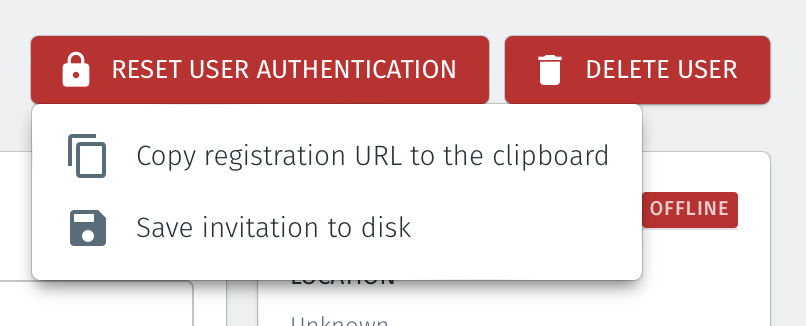
Click on the reset user authentication button and select either the copy the registration URL or save invitation to disk option.
-
Send the registration URL or invitation file to the user and ask the user to register again with the BlastShield™ Orchestrator using their current mobile device. See this article for instructions on how to register.